
Hotdisplay Technology Co., Ltd
| Specification | Available options / examples |
|---|---|
| Display size | 10.1 inch |
| Resolution | 800×1280, 1024×600, 1280×800, 1920×1200 |
| Display technology | Standard TFT LCD, selected IPS models |
| Interface | RGB, LVDS, eDP |
| Brightness | Standard and high-brightness options; selected model at 1000 nits |
| Touch options | Non-touch, selected capacitive and resistive models |
| Orientation | Landscape or portrait, depending on model |
| Module thickness | Varies by model and touch configuration |
| Operating temperature | Confirm the range in the individual model datasheet |
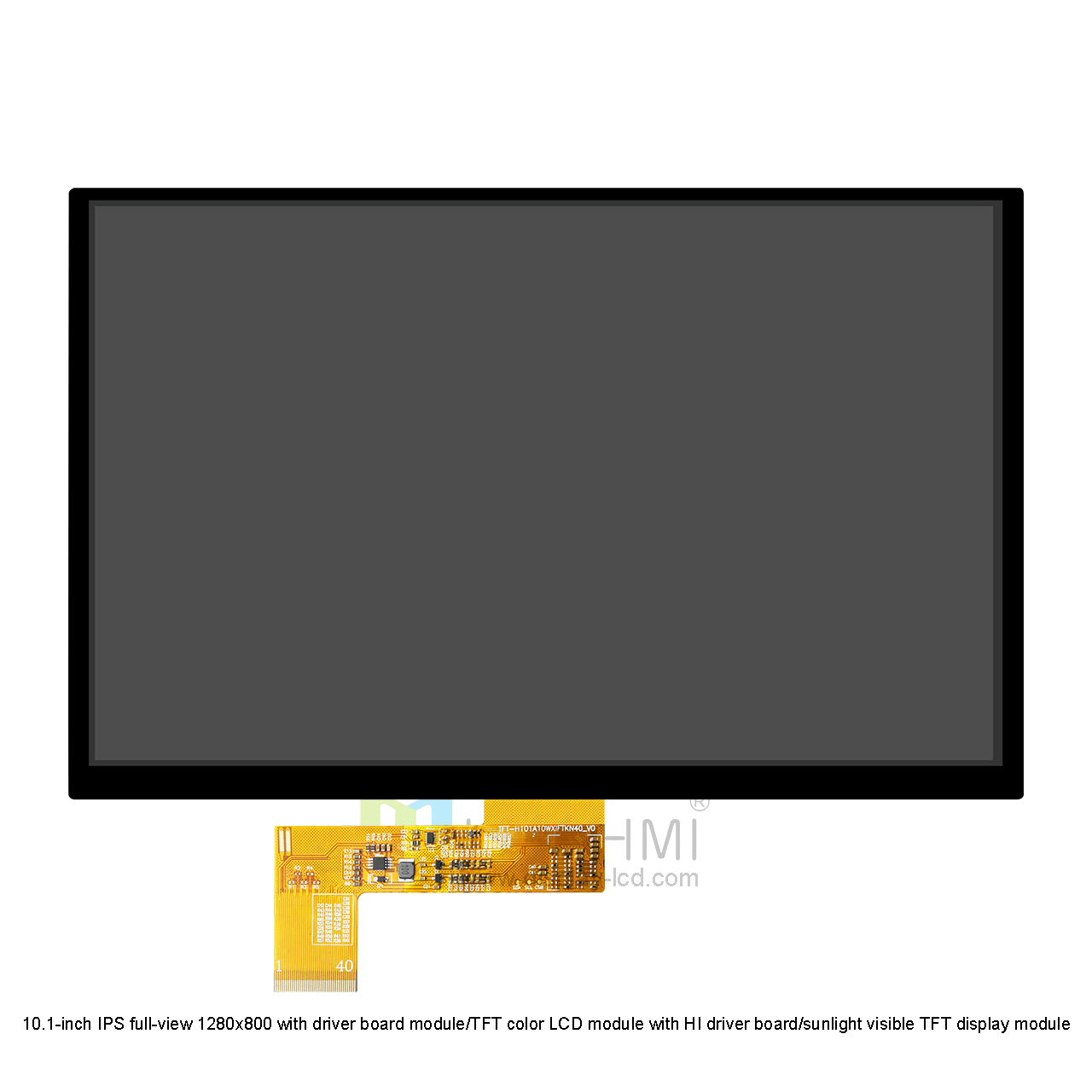
Our 10.1 inch TFT LCD range includes different display configurations for a variety of integration requirements.
Available resolutions include 1024×600 and 1280×800. These options support graphical user interfaces, operating menus, control panels and multimedia content. The appropriate resolution depends on the application’s content, viewing distance and host system.
For applications requiring finer image details and more screen content, selected 10.1 inch models offer 1920×1200 resolution. Higher resolution can improve the presentation of detailed graphics and information, provided the host system supports the required display output.
IPS technology provides wide viewing angles and helps maintain consistent image appearance when viewed from different directions. It is useful for equipment where operators may view the screen from various positions.
Selected models feature high-brightness backlights, including a listed 1000-nit configuration. These displays can improve visibility in bright environments. Outdoor readability also depends on reflections, cover glass, optical bonding and enclosure design.
Choose from non-touch modules and selected capacitive or resistive touchscreen configurations. Capacitive touch is suitable for modern interactive interfaces, while resistive touch can be evaluated for applications with specific input or operating requirements.
Our 10.1 inch range includes:
RGB: For compatible embedded display controllers and systems.
LVDS: For supported industrial and embedded platforms.
eDP: For compatible systems requiring an embedded DisplayPort connection.
Interface availability depends on the specific model. Check the individual product specifications before selecting a module.
Resolution: Match the display resolution to your user interface and host system.
Brightness: Consider ambient lighting, installation location and whether the display faces direct sunlight.
Interface: Confirm the host processor, controller and electrical compatibility before choosing RGB, LVDS or eDP.
Touchscreen: Decide whether the device needs touch input and evaluate the required touch technology.
Mechanical dimensions: Check module outline, active area, thickness, mounting points and FPC position.
Operating environment: Confirm temperature, vibration and other environmental requirements against the selected model’s specifications.
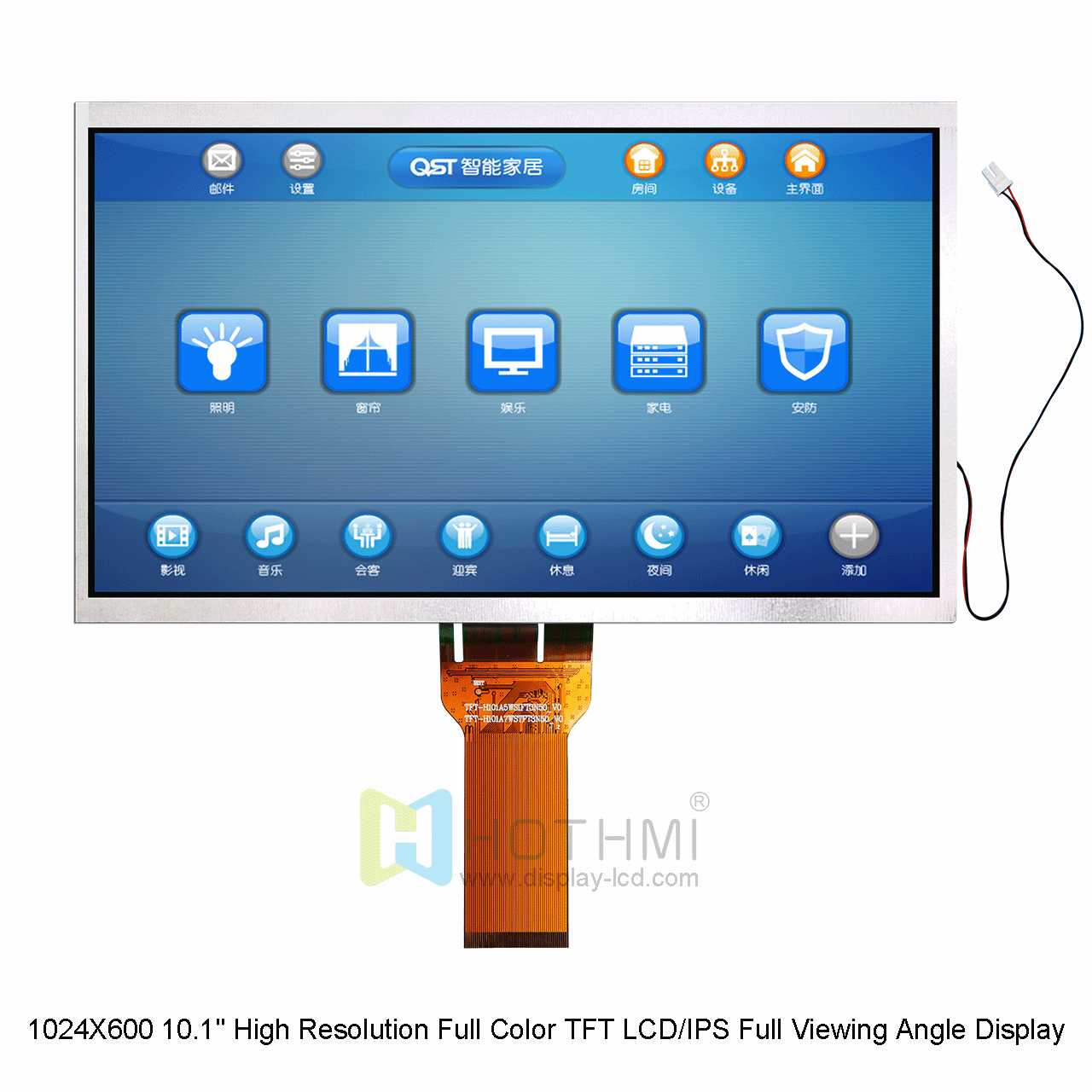
The 10.1 inch format offers a generous viewing area for equipment that requires clear information presentation or interactive control.
Industrial control panels: Display machine status, operating parameters, control menus and process data.
Medical and monitoring equipment: Provide visual interfaces for equipment operation and monitoring, subject to the device’s specific requirements and approvals.
POS and self-service terminals: Support interactive menus, transaction information and user guidance.
Smart home and building control: Present centralized controls, system status and environmental information.
Automotive and transportation equipment: Support selected embedded interfaces where the display’s specifications meet the application requirements.
Commercial and office equipment: Provide control interfaces for printers, copiers and other equipment.
Embedded computing devices: Display dashboards, graphical interfaces and application-specific information.
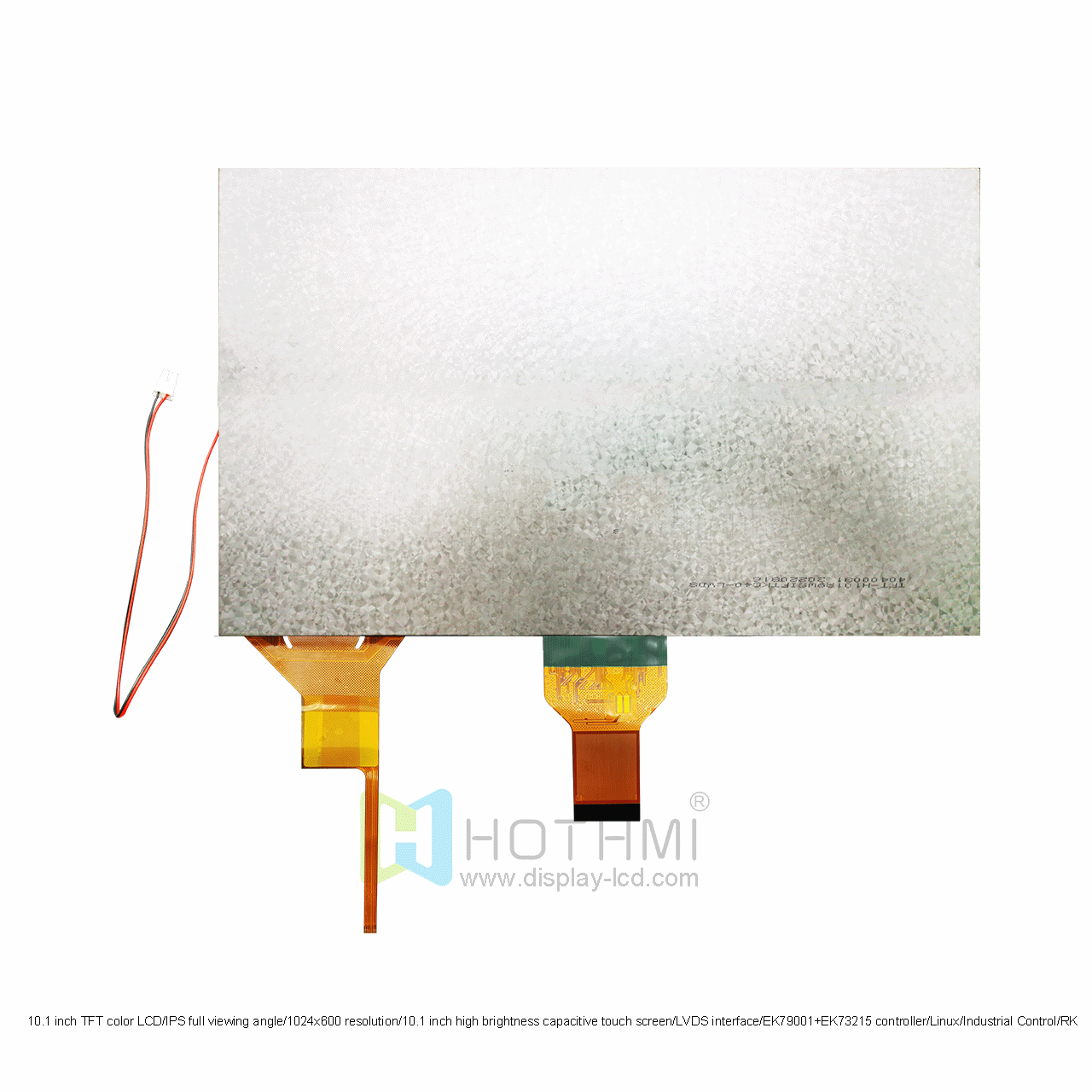
A display that looks suitable on paper may still create problems during hardware integration. HotDisplay supports customers through key stages of display selection and project evaluation.
We review the device type, screen layout, viewing distance, operating environment, installation space and user interaction requirements to identify the essential display parameters.
We compare available resolutions, viewing angles and brightness levels with the project’s interface and lighting conditions. This helps avoid choosing a display that is unnecessarily expensive or unsuitable for the intended environment.
RGB, LVDS and eDP use different signal architectures. We review the selected module’s interface, connector, pinout, timing and driver requirements against the host system documentation.
For touchscreen projects, we evaluate touch technology, cover glass, FPC routing and mechanical dimensions. This helps reduce installation conflicts and integration changes during product development.
Datasheet review and sample evaluation help engineers verify image quality, electrical compatibility, touch performance and mechanical fit before production planning.
Multiple display configurations: Compare resolutions, interfaces, brightness levels and touch options within one screen-size category.
Project-based technical support: Evaluate the display according to your system architecture and application requirements.
Customization options: Discuss touch integration, custom FPC, interface-related requirements and cover solutions.
Engineering-oriented selection: Consider optical, electrical and mechanical compatibility before design-in.
Technical resources: Use product specifications, datasheets and relevant technical documentation to support evaluation.
Project coordination: Discuss samples, technical requirements and production planning with our team.
HotDisplay’s listed 10.1 inch range includes 800×1280, 1024×600, 1280×800 and 1920×1200 configurations. Availability depends on the specific model.
RGB, LVDS and eDP are available across selected models. The right choice depends on your host processor, display controller, signal requirements and system design. Always verify the exact interface and pinout in the product datasheet.
Selected high-brightness models, including a listed 1000-nit configuration, can be considered for bright environments. Direct sunlight readability requires further evaluation of reflections, cover glass, optical bonding and enclosure design.
Yes, selected 10.1 inch models are listed with capacitive or resistive touch options. The required touch configuration, dimensions and electrical connections should be confirmed for your project.
A 1280×800 display provides more pixels than a 1024×600 display and can present more detailed content. However, the best option depends on the interface design, viewing distance, host system capability and project cost.
Replacement compatibility depends on more than the diagonal size. Compare resolution, module dimensions, active area, interface, connector pinout, voltage, timing and mounting requirements. Share your existing model number or datasheet for a compatibility review.
Project-specific requirements such as touch integration, FPC routing, cover glass and interface-related solutions can be evaluated. Customization feasibility, cost and lead time depend on the selected panel and requested changes.
Please share your application, target quantity, preferred resolution and interface, brightness requirements, touch requirements, operating temperature and mechanical drawings if available. This information helps us assess compatibility and identify suitable options.
Looking for a 10.1 inch TFT LCD display for industrial control, medical equipment, POS terminals or an embedded device?
Tell us your target specifications, host interface and mechanical requirements. HotDisplay can help review your project and discuss a suitable display configuration.
Contact HotDisplay for product specifications, sample evaluation and project-based display solutions.
What did our happy clients say?