
Hotdisplay Technology Co., Ltd
Before choosing a display, engineers should confirm:
Identify the processor or mainboard and check which display interfaces and resolutions it supports. A screen's physical connector does not guarantee electrical or protocol compatibility.
Confirm interface type, signal count, timing, pin assignment, voltage and initialization sequence. Check the display driver IC and the documentation required by the host system.
Match the resolution and aspect ratio to the user interface, fonts, graphics and application software. Ensure the system can render the selected resolution at the required performance.
Check supply voltage, backlight power requirements and brightness. Include power consumption and thermal constraints in the product design.
Review the display outline, active area, FPC location, connector access, mounting method and touch-panel dimensions.
The product range includes TFT LCD screens across different sizes and resolutions. Depending on the model, engineers can compare:
Standard TFT LCD and IPS viewing-angle options.
Interfaces such as RGB, SPI and MIPI DSI where specified.
Displays with or without touch functionality.
Different driver ICs, FPC arrangements and mechanical dimensions.
Selected high-brightness or wide-temperature products.
Do not treat these features as interchangeable across the whole product range. Always verify the model-specific specification and datasheet.
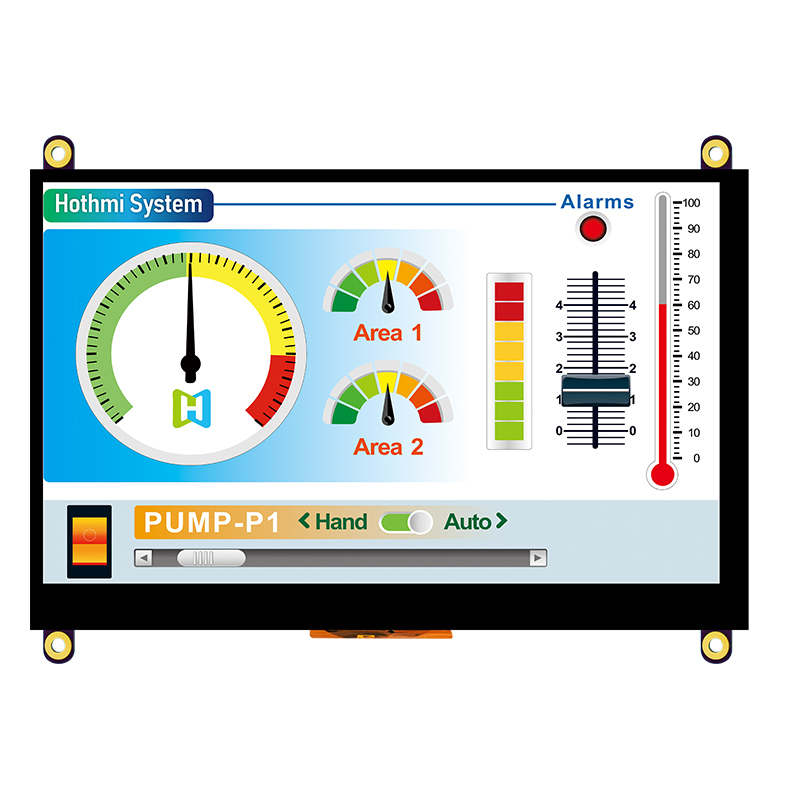
HOTDISPLAY's listed customization options include selected FPC cable adjustments, connector arrangements, touch configurations and cover-glass changes. For an integration project, provide the host-board information and electrical requirements early so the proposed display can be reviewed against the system.
For a new design, it is best to validate the display on the intended host board before completing the enclosure and production tooling. For an existing product, compare the original display datasheet and connector pinout before attempting a replacement.
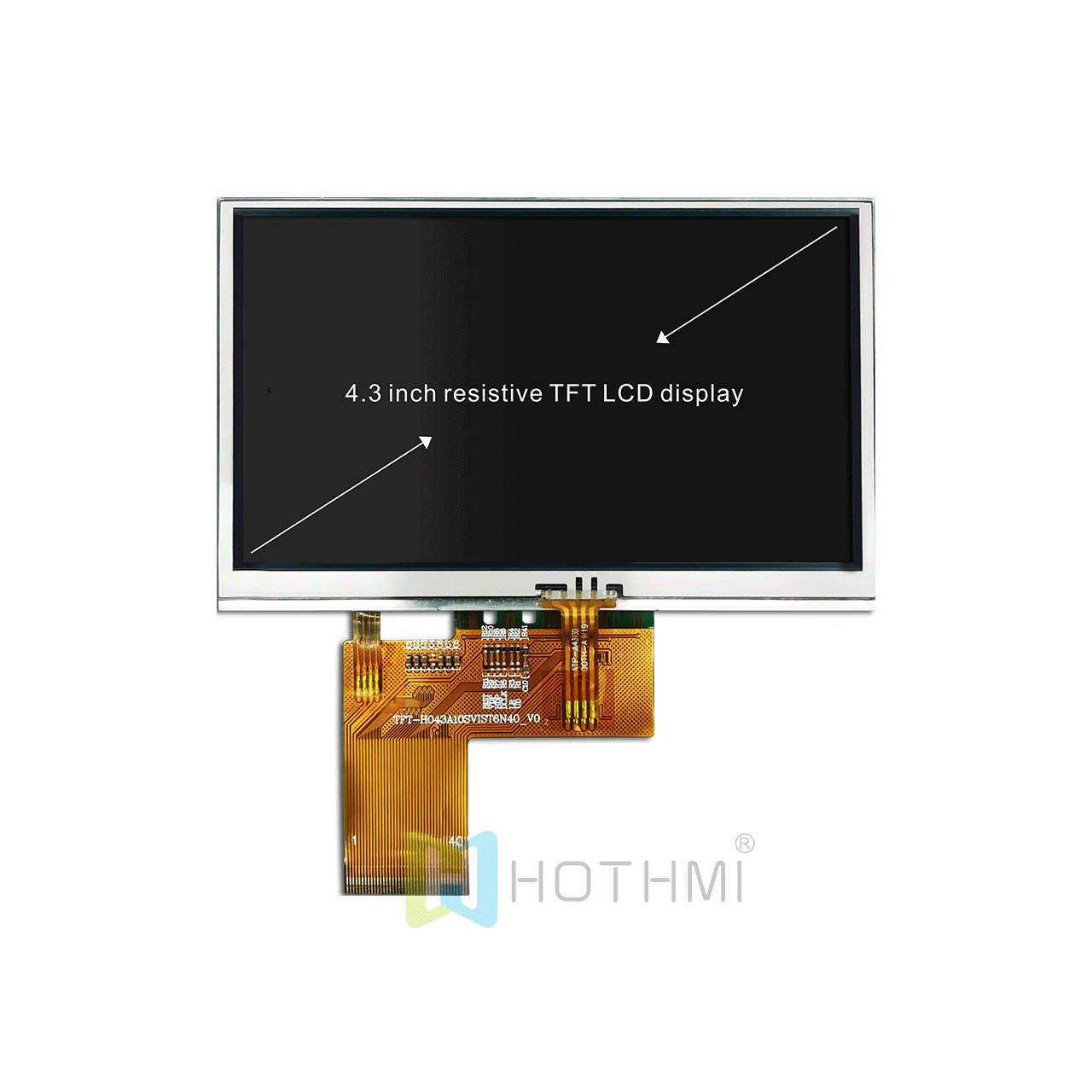
Do not select an interface based only on the connector shape or number of pins.
Confirm the display and touch controllers separately; they may use different communication interfaces.
Check initialization commands and software support for the exact driver IC.
Verify whether the backlight requires a separate driver or specific power circuitry.
Check cable routing, connector orientation and mechanical clearances before finalizing the PCB.
Test display behavior across the required operating-temperature range.
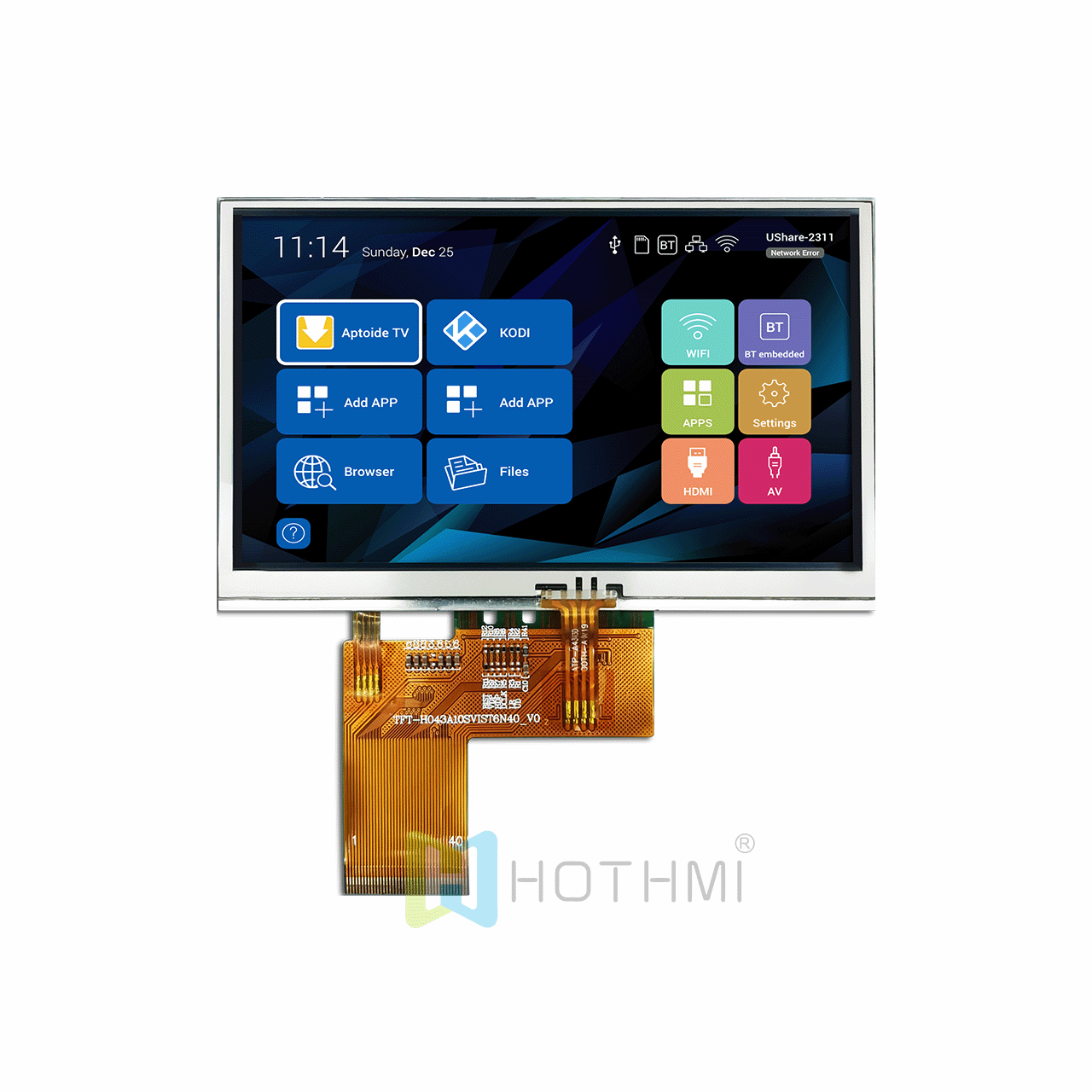
TFT display screens are used in industrial control equipment, embedded computers, handheld instruments, medical and measurement equipment, smart terminals, home appliances and other products that need graphical output. The appropriate screen depends on the application's environment, user interface and system architecture.
No. Compatibility depends on interface support, timing, resolution, driver initialization, voltage and software. Confirm the host system and display model before ordering.
Share the host processor or board model, supported interfaces, target resolution and mechanical requirements. These details help narrow down relevant display options.
Yes, depending on the product. For example, the display interface and touch-controller communication interface may be separate. Verify both in the datasheet.
Selected models support FPC adjustments. Provide the required cable length, pinout, connector and exit direction for technical evaluation.
Send HOTDISPLAY your host-board details, display specifications and mechanical drawings. We can help identify candidate displays and the items that need to be verified during integration.
What did our happy clients say?