
Hotdisplay Technology Co., Ltd
The touch active area must align with the intended interaction area. Verify the visible window, outline dimensions and mounting method.
Confirm the touch-controller requirements, connector pinout, voltage and host-system compatibility. The touch controller may be separate from the TFT display driver.
Ask for the relevant construction and technical documentation for the specific panel. Do not assume that all resistive panels share the same electrode arrangement or electrical characteristics.
Check the front-panel structure, expected use conditions, operating temperature and required durability. Test the complete assembly in the intended enclosure.
HOTDISPLAY lists selected TFT displays with resistive touch and product pages describing resistive touch construction. Depending on the product family, a resistive touch configuration may be evaluated alongside different TFT sizes, resolutions, display interfaces and mechanical layouts.
For custom projects, provide the display model, touch dimensions, host interface and enclosure drawing. This helps establish whether a listed product can meet the design or whether a custom touch-panel evaluation is needed.
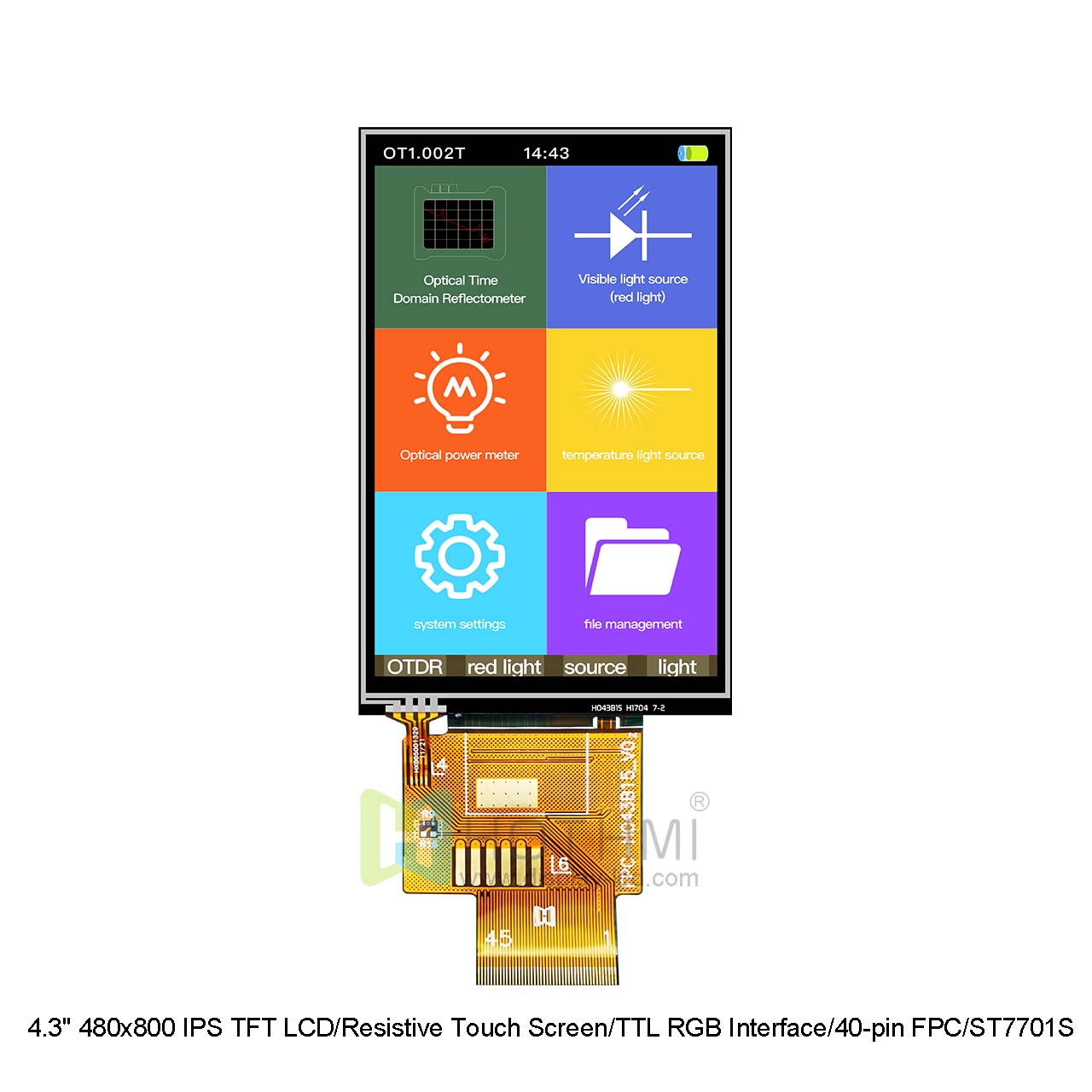
Selected display and touch products support customization options such as:
Touch-panel dimensions and mechanical fit.
FPC cable length, position and pinout.
Connector arrangement.
Display and touch combination selection.
Cover structure or front-panel requirements, where supported.
Confirm each item before tooling or mass production. Not every option is available for every model.
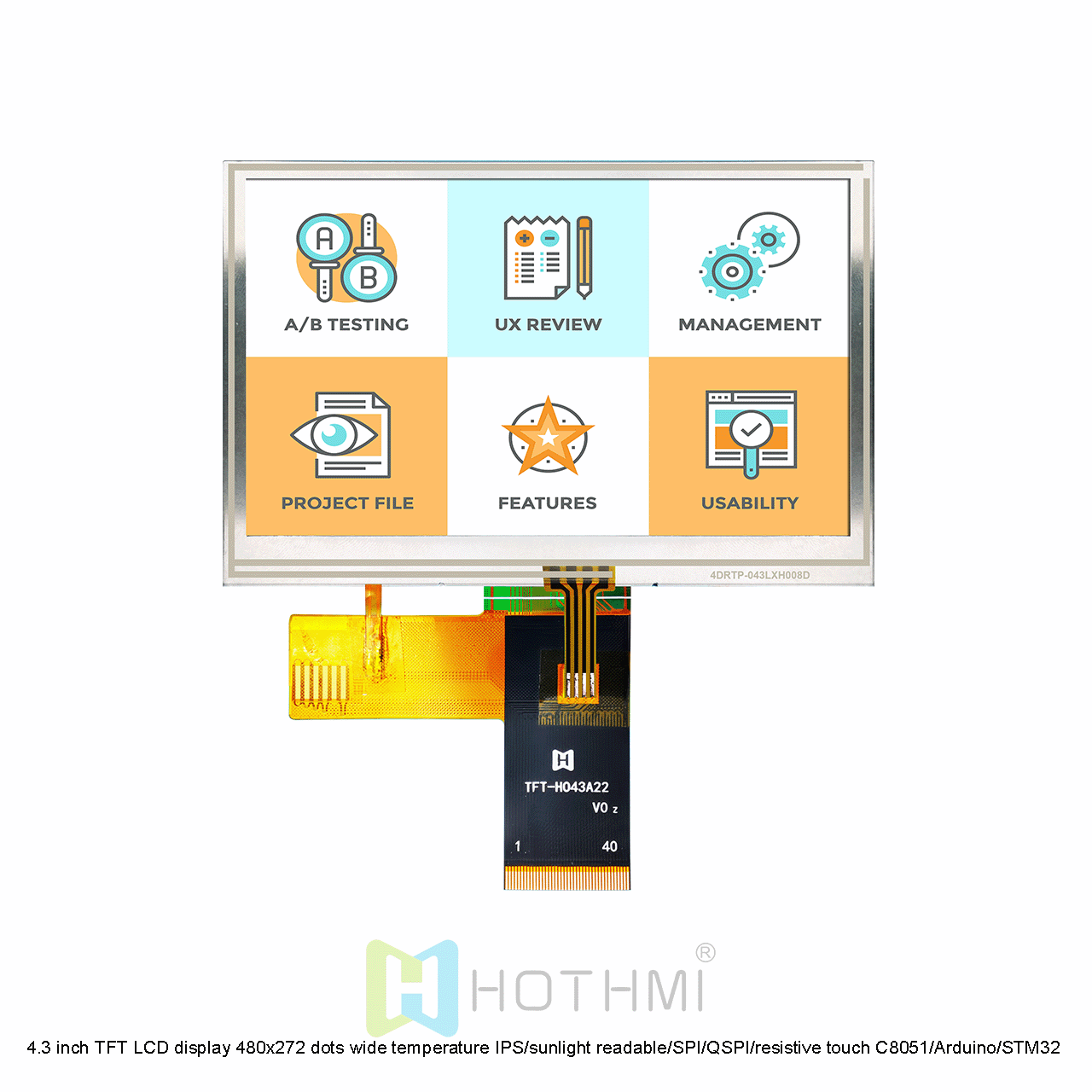
Resistive touch responds to applied pressure. Capacitive touch detects changes in capacitance and is commonly selected for modern gesture-based interfaces and multi-touch where supported.
Neither technology is automatically the right choice for every product. Compare the expected interaction, user environment, cover structure, controller compatibility and cost requirements before deciding.
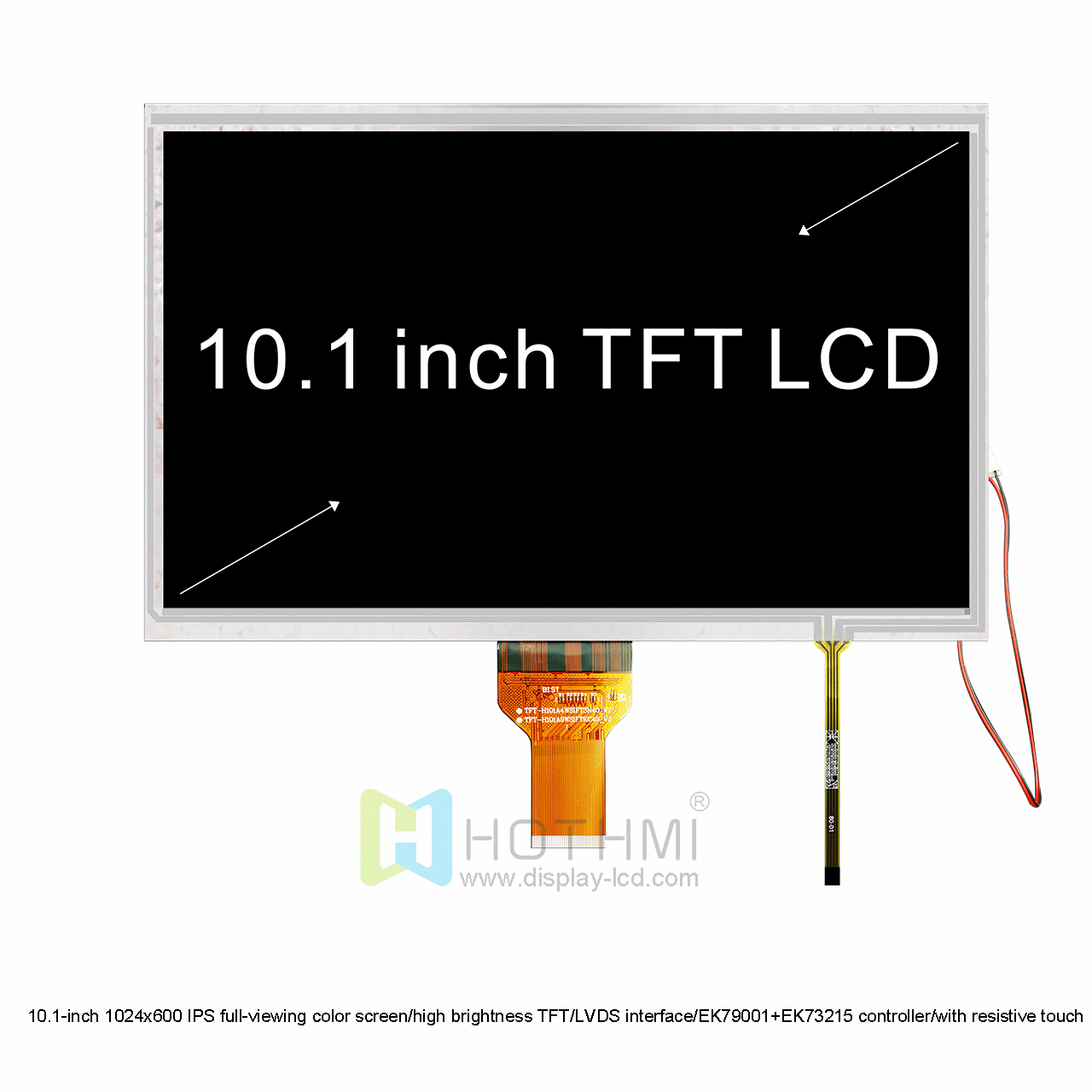
Do not assume a resistive touch panel is included with a non-touch TFT display.
Do not select the touch panel based on diagonal size alone; confirm the active area and outline.
Confirm the controller and host interface before committing to the PCB.
Verify whether the quote includes the touch panel, controller, cable and assembly.
Test touch response after installation behind the actual front panel or cover.
Confirm operating conditions and product-specific reliability requirements before production.
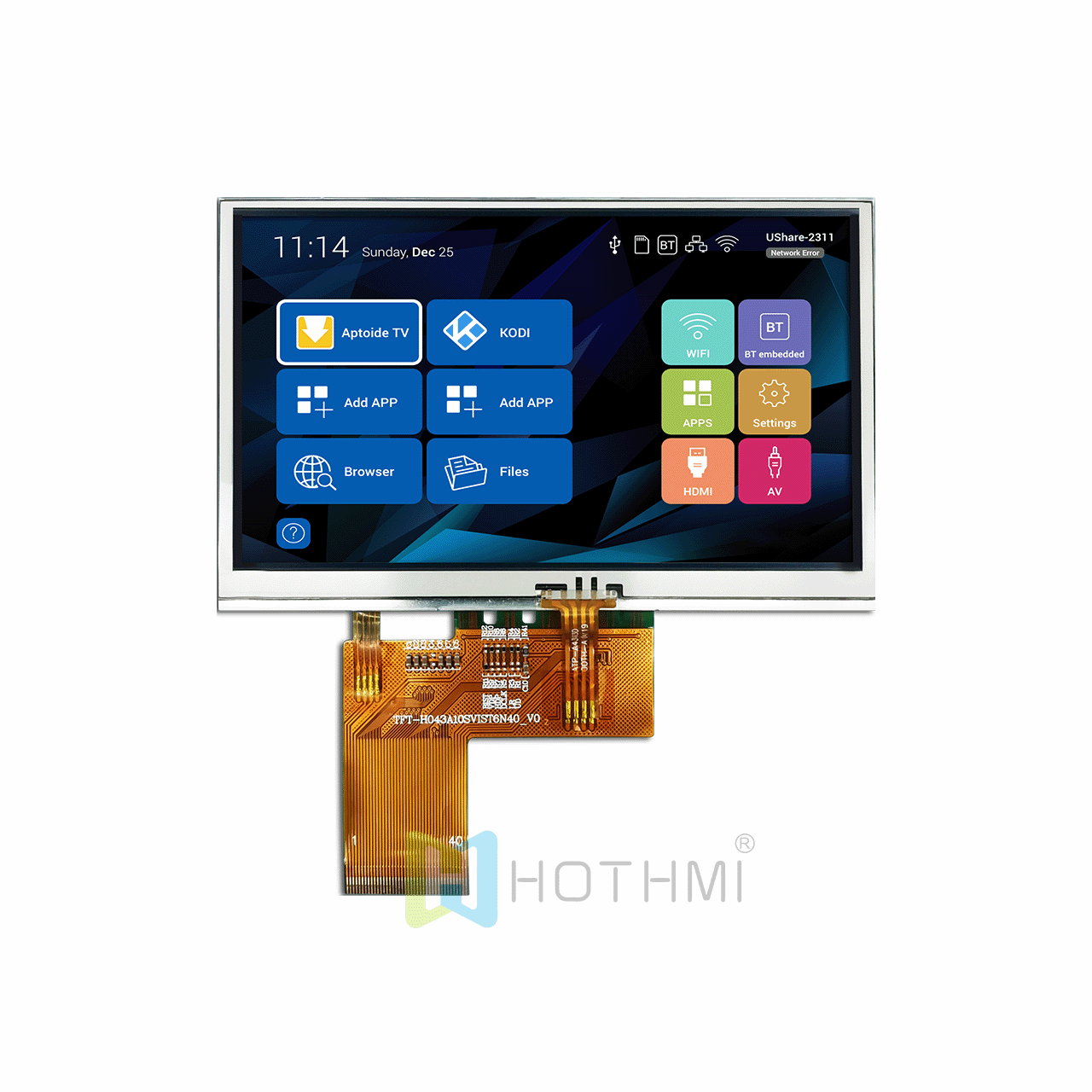
Consider resistive touch when the application specifically benefits from pressure-operated input or when the existing equipment design already uses a resistive touch controller.
Potential applications include industrial control interfaces, instrumentation, measurement equipment and other embedded devices. The final choice should be based on the actual operating method, environment and system requirements.
Selected TFT products are listed with resistive-touch options. Check the exact model and datasheet to confirm availability.
Compatibility depends on dimensions, touch construction, controller and mechanical design. Provide the target display model and drawings for evaluation.
Selected products support cable and connection adjustments. The required pinout, connector and cable routing must be reviewed.
Provide the touch-panel size, display model, touch active area, controller/interface, mechanical drawing, quantity and intended application.
Contact HOTDISPLAY with your display model, controller details and mechanical specifications to identify relevant products and clarify customization feasibility.
What did our happy clients say?