
Hotdisplay Technology Co., Ltd
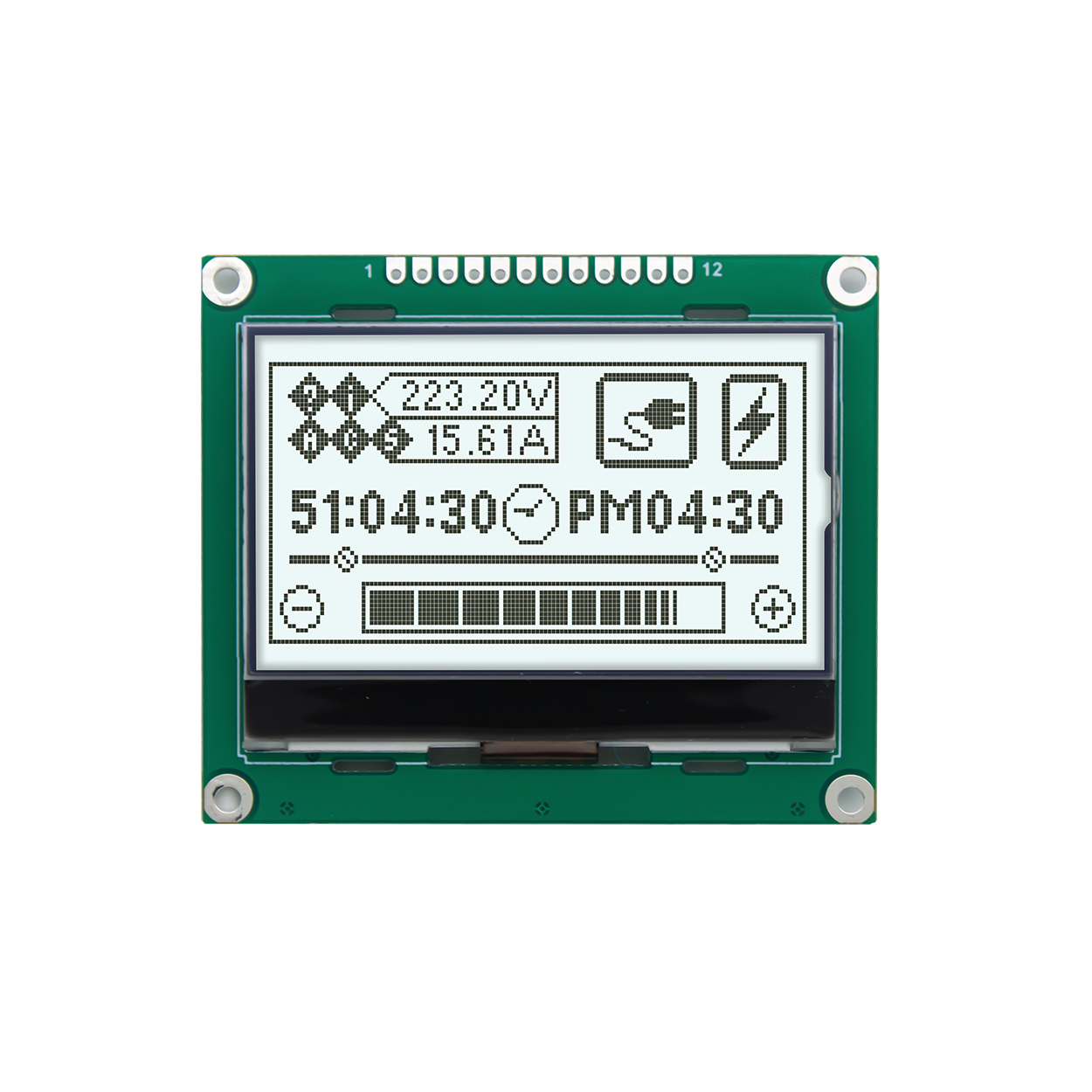 | What Is a Graphic LCD Module?A graphic LCD module displays information through a matrix of individually addressable pixels. The controller and host software determine which pixels are activated, allowing the display to present custom text, symbols, menus, measurement results and simple graphical elements. This makes a graphic LCD suitable for products that require more flexible layouts than a segment LCD or standard character LCD can provide. |
Choose resolution according to the amount of information shown, icon complexity, font size and viewing distance. A higher pixel count provides more layout flexibility but may also affect controller requirements and system resources.
HOTDISPLAY's product range includes monochrome LCD configurations with different optical characteristics. Evaluate contrast, background appearance, viewing direction and ambient-light conditions when comparing models.
The backlight color and brightness influence readability and the finished product's appearance. Consider whether the screen will be used indoors, in low light or under strong ambient lighting.
Confirm the driver IC, supported interface, initialization sequence, logic voltage, pinout and available software resources. The host must be able to address the selected resolution and communicate with the display controller.
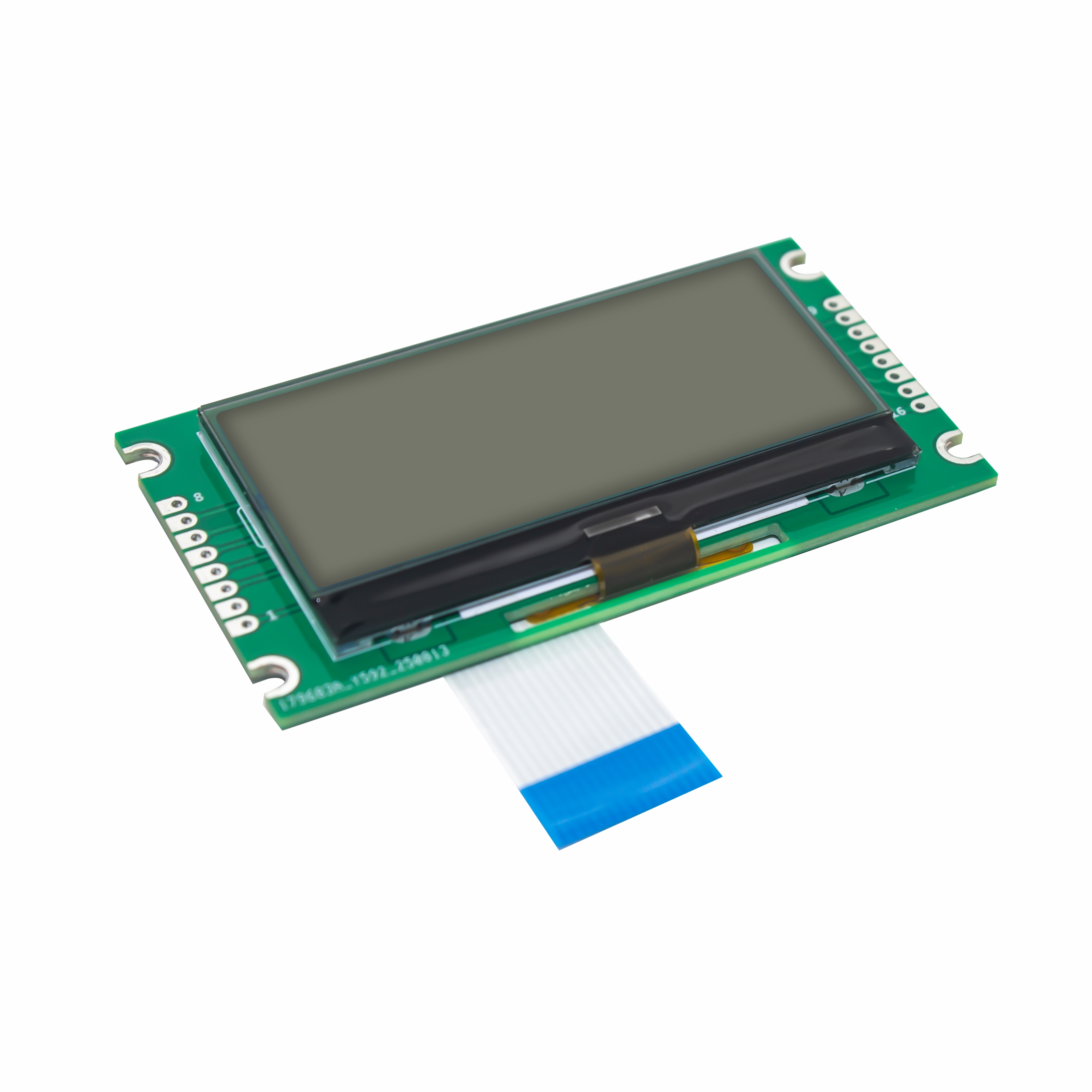
Check the overall module size, active area, viewing area, thickness, mounting holes, FPC or pin-header arrangement and available enclosure space.
HOTDISPLAY's published graphic LCD catalogue includes resolutions such as:
122×32 and 160×32 for compact information displays.
128×64 and 132×64 for common monochrome graphic interfaces.
128×128 and 160×160 for more flexible square-format layouts.
160×80, 160×128 and 192×128 for additional text and graphic content.
192×64 and 240×64 for wide-format information displays.
320×240 for applications requiring a larger monochrome pixel matrix.
Availability, LCD technology and other parameters vary by model. These resolutions are examples from the published product range, not a guarantee that every configuration is available in every size.
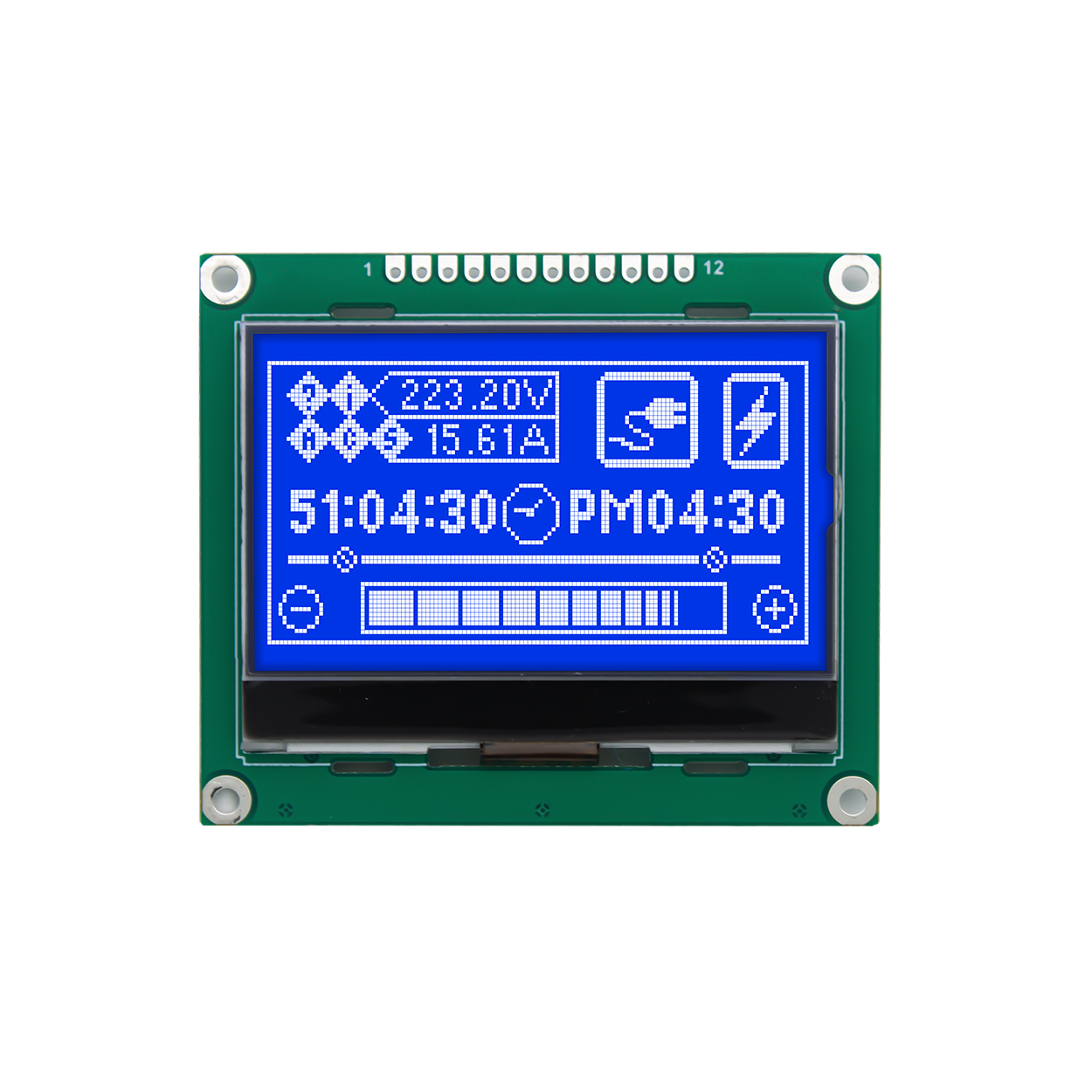
Graphic LCD: Suitable for monochrome graphics, custom icons, variable text placement and simple menus.
Character LCD: Suitable for predefined character grids, such as 16×2 or 20×4, where the interface mainly displays text and numbers.
TFT LCD: Suitable for applications that need color images, richer graphics, animation or more complex visual interfaces.
The right technology depends on the required display content, software complexity, power budget, viewing conditions and total system cost.
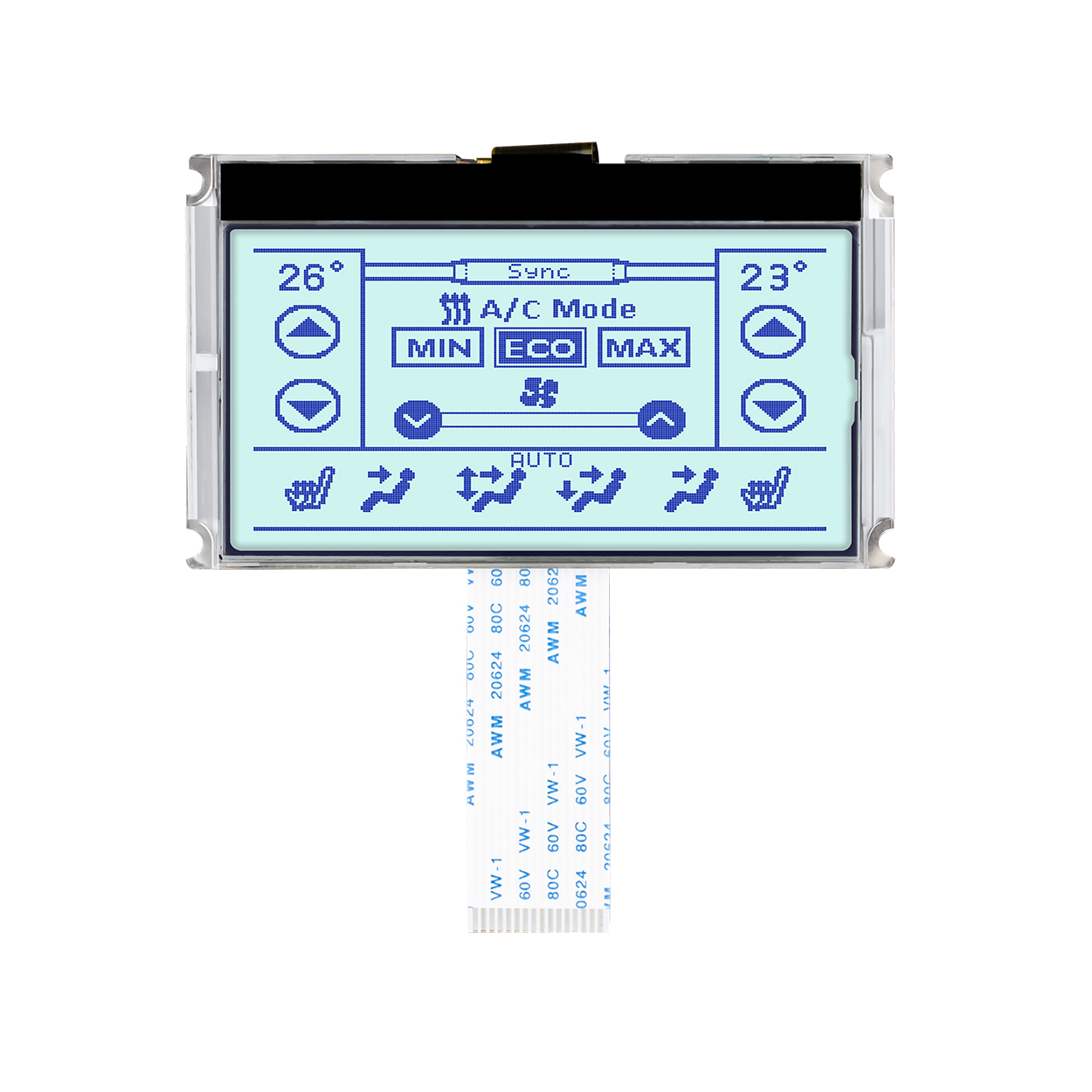
Display machine status, parameter settings, operating menus, alarms and simple diagrams.
Present measurements, operating modes, prompts and instrument status in a compact monochrome interface.
Show readings, measurement units, trend indicators and configurable information screens.
Support selected instrument interfaces that require monochrome graphics and clearly arranged status information.
Provide custom icons, menus and text layouts in devices where a full-color display is unnecessary.
Step 1: Define the user interface. Identify required text, icons, numbers, menus and graphic elements.
Step 2: Select the resolution. Estimate the required pixel matrix based on the layout and desired readability.
Step 3: Check controller compatibility. Match the driver IC and communication interface to the host processor or MCU.
Step 4: Confirm optical requirements. Evaluate LCD technology, viewing direction, backlight and ambient-light conditions.
Step 5: Verify mechanical integration. Confirm module dimensions, mounting structure, connector and cable routing.
Step 6: Test with the actual hardware. Verify initialization, pixel mapping, contrast, backlight control and the complete user interface.
Generally, yes. The host software can generate pixel patterns for fonts and icons, subject to the controller architecture and available display memory. Some modules also support built-in functions or character resources.
This depends on the selected model. Confirm the driver IC, controller functionality and any additional PCB or adapter requirements in the datasheet.
Choose from the interfaces actually supported by the available module and your host. Check signal timing, voltage, pinout, data-transfer requirements and software support before selection.
Not necessarily as a direct replacement. A different resolution may require changes to the mechanical design, controller, interface, firmware and display initialization.
HOTDISPLAY's published customization information includes multiple backlight color options for relevant monochrome display products. Availability depends on the model and project requirements.
It may be suitable if the selected display's optical characteristics, backlight, temperature rating and enclosure meet the application requirements. Outdoor readability should be validated under actual lighting conditions.
Provide the required resolution, screen dimensions, interface, controller requirements, backlight preference, operating temperature, application and estimated quantity.
HOTDISPLAY can help evaluate graphic LCD modules for industrial controls, instruments and embedded products.
Share your interface requirements, target resolution and mechanical drawing to identify a suitable model and assess any necessary integration or customization.
What did our happy clients say?