How to Choose the Right Character LCD Module
1. Select the Character Format
Estimate the maximum characters per line and the number of lines required by the interface. Consider whether measurements, units, prompts and status messages must appear simultaneously.
2. Choose the Display Technology
Compare available TN, STN, FSTN or DFSTN models according to the desired contrast, background appearance, viewing requirements and lighting environment.
3. Confirm the Controller and Interface
Check the driver IC, MCU interface, data width, pinout, initialization sequence and host compatibility. A familiar character format does not guarantee that two modules are electrically interchangeable.
4. Match the Power Supply
Confirm the module's supply voltage, logic requirements and backlight power. Some models operate at 5 V, while other configurations may have different electrical requirements.
5. Verify Mechanical Dimensions
Check the overall dimensions, visible area, active area, character pitch, mounting holes and connector position to ensure that the module fits the enclosure.
6. Confirm Temperature and Operating Conditions
Review the rated operating-temperature range and the actual environment in which the display will be used. Temperature suitability should be verified from the selected model's datasheet.
Applications of Character LCD Modules
Industrial Control Equipment
Display machine status, operating modes, error messages, parameter values and control instructions.
Measuring Instruments and Meters
Present readings, units, settings and measurement status through a simple text-based interface.
Medical and Laboratory Instruments
Show selected measurements, operating information and prompts, subject to the device's applicable requirements.
Household Appliances
Display temperature, timers, operating modes and other predefined information.
Automotive and Audio Equipment
Support text and numeric information in selected instrument, audio and control applications.
Embedded and Development Projects
Provide a practical display interface for microcontroller-based equipment. Selected HOTDISPLAY models specify compatibility with Arduino-class development boards and common MCU platforms, subject to the interface and voltage requirements.
Frequently Asked Questions
Q1: What does 16×2 mean on a character LCD?
It means the display has 2 rows, each containing 16 character positions. The total capacity is 32 character positions, although the exact characters available depend on the controller's character set.
Q2: Can a character LCD display Chinese or other non-Latin languages?
This depends on the controller's built-in character generator and available character sets. Do not assume that every character LCD supports Chinese or arbitrary Unicode text. Confirm language requirements with HOTDISPLAY before selecting a module.
Q3: Can I use a character LCD with Arduino or another microcontroller?
Selected models support common MCU interfaces and development platforms. Check the module's driver IC, pinout, voltage, data interface and initialization requirements before integration.
Q4: What is the difference between 16×2 and 20×4 LCD modules?
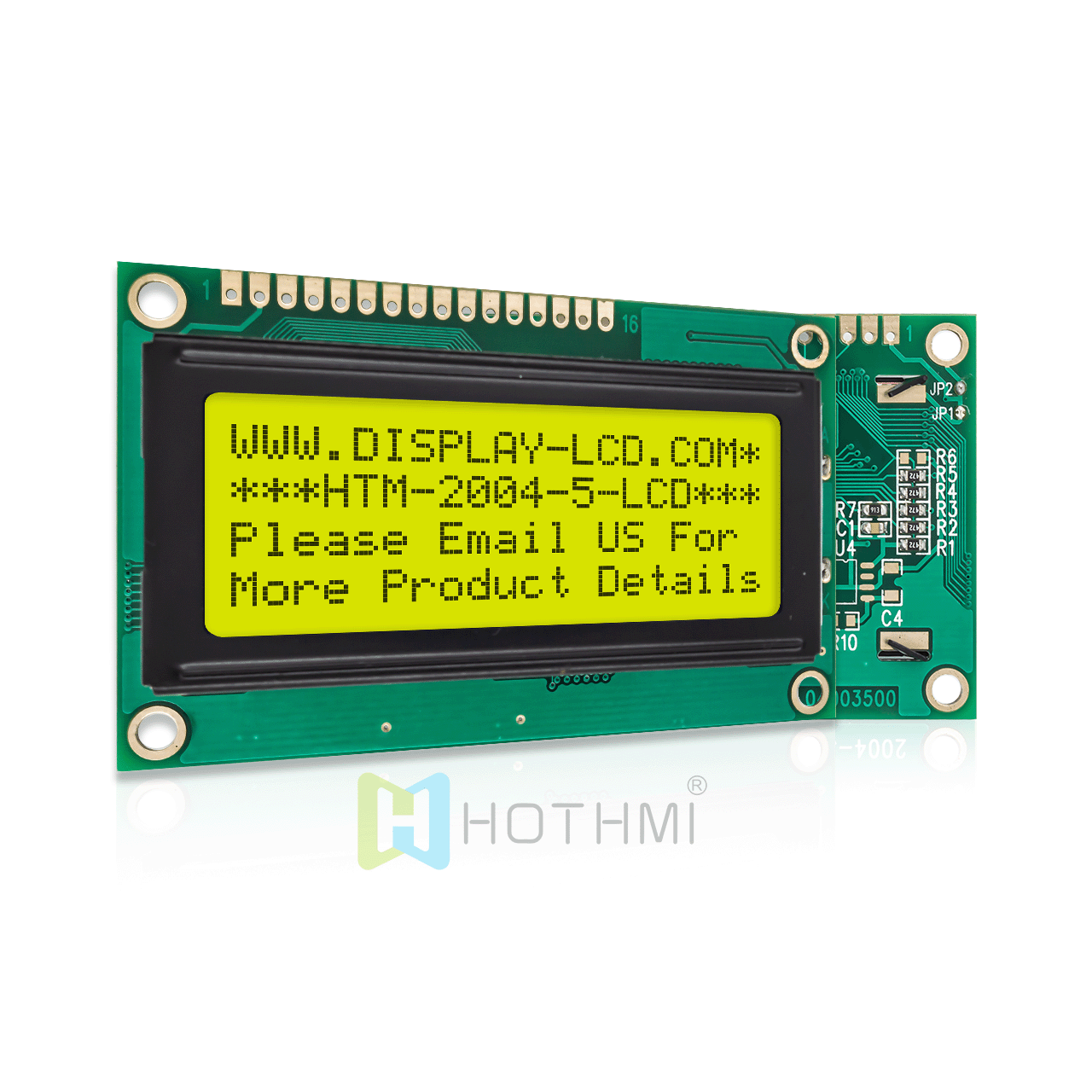
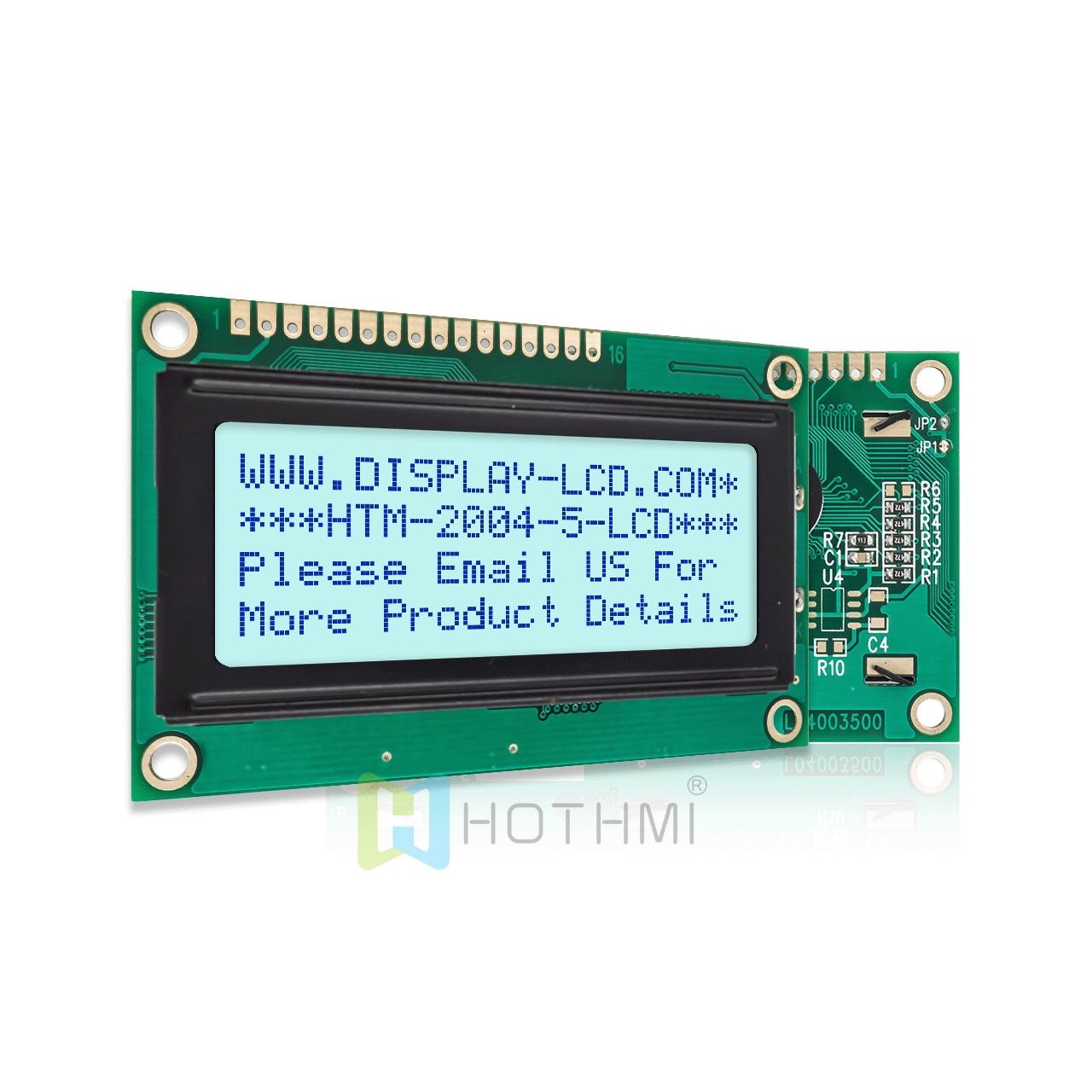
A 16×2 module offers two rows of 16 characters, while a 20×4 module offers four rows of 20 characters. The larger format provides more text capacity but usually has different mechanical dimensions and interface considerations.
Q5: Can I choose a specific backlight color?
HOTDISPLAY's published range includes several backlight color options. Availability depends on the model, and the electrical requirements should be checked before choosing a color or RGB configuration.
Q6: Can I replace a character LCD module with another model of the same format?
Not necessarily. Even when both modules are 16×2, they may differ in dimensions, pinout, controller, voltage, backlight, character set and mounting. Verify the full datasheet before substitution.
Q7: Can the character layout or font be customized?
The available options depend on the controller and manufacturing configuration. Standard character modules use predefined character cells and built-in fonts. If you need custom symbols, specialized characters or flexible graphics, discuss the requirements with HOTDISPLAY or consider a graphic LCD.
Q8: What information should I provide when requesting a quotation?
Provide the character format, required language, LCD technology, display appearance, backlight color, supply voltage, interface, dimensions, operating temperature and estimated order quantity.
Find the Right Character LCD Module for Your Product
HOTDISPLAY provides character LCD module options for industrial, commercial and embedded products, with multiple character formats, optical configurations and backlight choices.
Share your display requirements, existing part number or mechanical drawing to identify a suitable character LCD module and confirm its compatibility with your hardware.