Hotdisplay Technology Co., Ltd
Choosing a TFT LCD display involves more than matching the diagonal size. The display must fit the enclosure, connect to the host processor, present content clearly and operate under the intended environmental conditions.
This guide outlines the key decisions engineers and purchasing teams should make before selecting a standard display or requesting a customized solution. Explore all TFT LCD at Hotdisplay
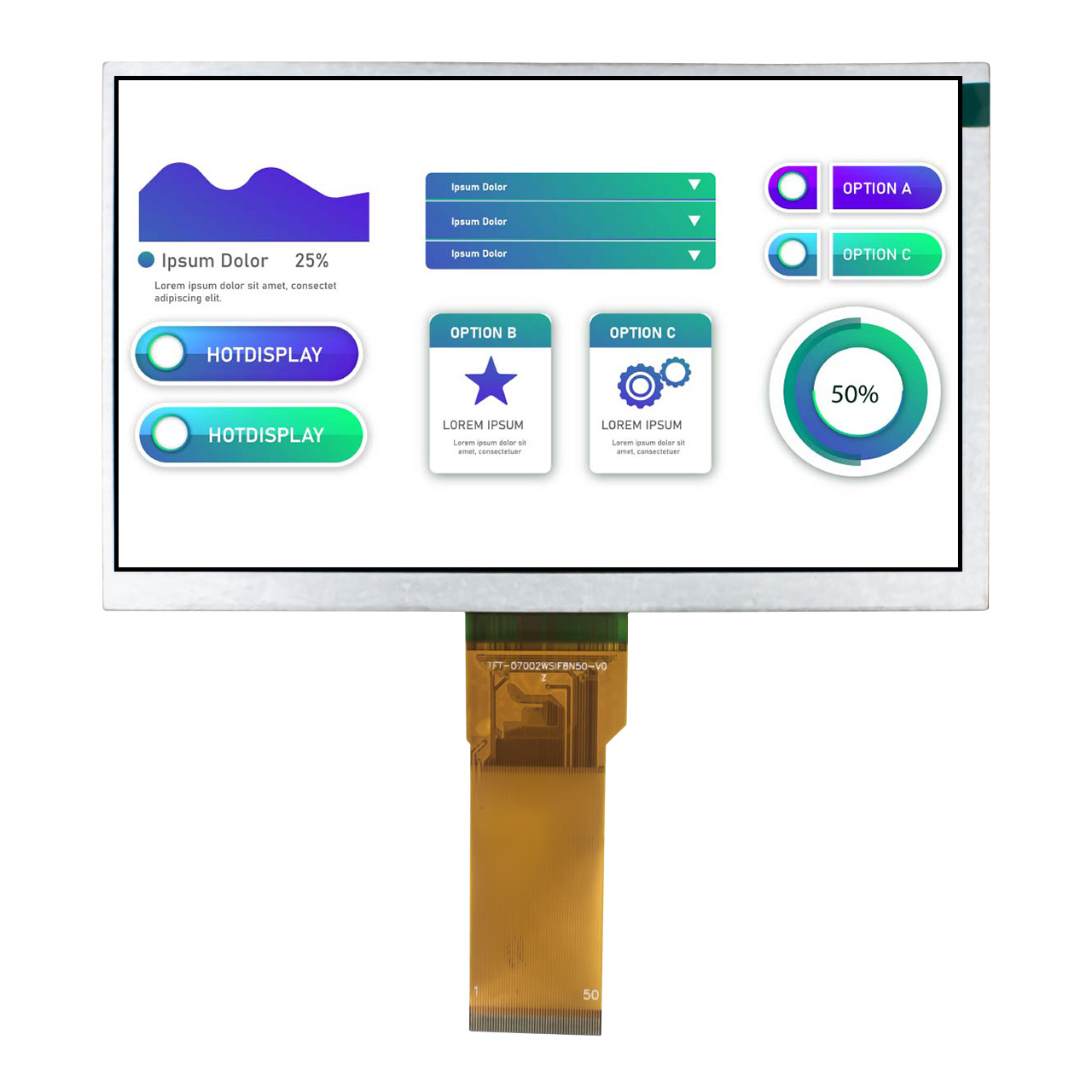
Screen size describes the diagonal measurement, but it does not fully define the display's physical dimensions.
Check the outline dimensions, active area, aspect ratio, mounting space and visible window. Two displays with the same diagonal size may have different shapes, resolutions and cable positions.
If the enclosure is already designed, provide its drawing and mounting constraints before selecting a model.
Explore Small size, Middle Size, Big size at Hotdisplay
Resolution determines how many pixels are available for text, icons, graphics and images.
A simple status display may not need the same resolution as a graphical HMI or image-based interface. Higher resolution may improve detail, but it also needs to match the host system, software layout and performance requirements.
Confirm both the required resolution and the host's ability to generate the corresponding display signals.
The interface must be supported by the processor or mainboard.
Common options include SPI, MCU parallel, RGB, LVDS, MIPI DSI and eDP. Their bandwidth, pin count, timing and implementation requirements differ.
Before ordering, verify:
Host display-interface support.
Required resolution and refresh performance.
Driver IC and initialization requirements.
Signal voltage, connector and pinout.
Available software drivers and documentation.
A display with the correct size may still be incompatible with the host if the interface or driver requirements do not match.
Consider where the screen will be viewed.
For indoor products, moderate brightness may be sufficient. Bright ambient light or outdoor use may require a higher-brightness model and additional attention to reflections and cover glass.
IPS may be worth evaluating when the screen needs a wide viewing angle. However, neither high brightness nor IPS should be assumed without checking the specific model's datasheet.
The display's operating-temperature range must cover the real conditions inside the final product.
Check operating and storage temperature separately. Also consider the enclosure's internal temperature, backlight heat and any thermal effects from nearby electronics.
For outdoor or industrial equipment, select a model whose documented specifications match the target environment.
A non-touch TFT LCD may be appropriate for a display that only presents information.
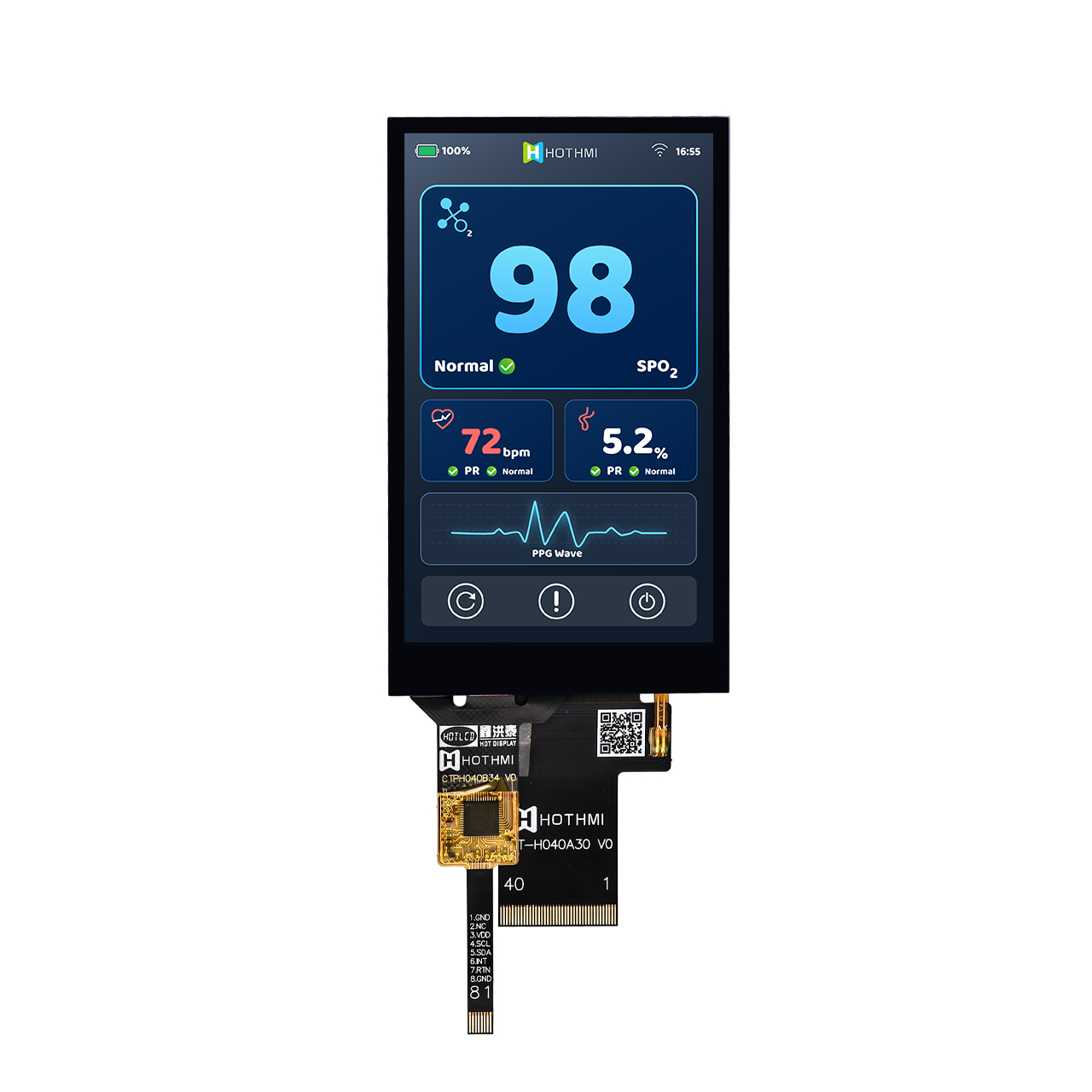
If users need to interact directly with the screen, compare capacitive and resistive touch options. Confirm the touch controller, communication interface, cover-glass structure, active area and mechanical fit.
Do not assume that touch is included in every TFT LCD module.
Before approving a sample or production order, confirm:
Overall dimensions and active area.
FPC cable length, position and pinout.
Connector type and mounting arrangement.
Supply voltage and backlight requirements.
Driver IC and initialization sequence.
Touch-controller interface, if applicable.
Datasheet revision and exact model number.
If the screen is a replacement for an existing product, compare the original and proposed datasheets line by line. Similar dimensions do not guarantee electrical compatibility.
Customization may be worth discussing when a standard display cannot meet the required cable routing, connector position, cover-glass shape, touch structure or mechanical envelope.
HOTDISPLAY's product information lists selected options for FPC customization, touch configurations, cover glass and surface treatments. The exact scope depends on the model and project.
Prepare the mechanical drawing, host-board information, target specification and estimated quantity to make the evaluation more efficient. Explore custom TFT LCD display at Hotdisplay
| Requirement | Information to prepare |
|---|---|
| Display format | Diagonal size, active area and aspect ratio |
| Image quality | Resolution, brightness and viewing angle |
| Host system | Processor, interface and driver requirements |
| Environment | Operating and storage temperature |
| Touch | None, capacitive or resistive |
| Mechanics | Outline, FPC, connector and mounting |
| Customization | Cable, glass, touch or surface treatment |
| Purchasing | Quantity, target schedule and sample requirements |
Define both early. The size must fit the enclosure, while the interface must match the host. If your processor has fixed interface limitations, use those to narrow down compatible display options.
Not without checking. Resolution, pinout, voltage, driver IC, timing, dimensions and backlight requirements may differ.
Selected products support cable, touch, cover-glass and related configuration changes. Share your requirements for a feasibility review.
Provide the model number or target specifications, quantity, host interface, mechanical drawing, brightness, temperature and touch requirements.
Send HOTDISPLAY your display requirements and host-system details. The information helps identify candidate models and determine which specifications need to be validated before integration.