How to Choose the Right LCD Panel
1. Define Your Display Requirements
Start with the information the product needs to show. Determine the required screen size, resolution, active area, viewing orientation and available installation space.
2. Confirm Interface Compatibility
Identify the host processor or display controller before choosing a panel. Depending on the model, available interfaces may include RGB, LVDS, MIPI DSI, eDP, MCU or SPI. Confirm the actual interface, pinout, signal voltage and driver requirements in the model datasheet.
3. Match Optical Performance to the Environment
Consider viewing angle, brightness, contrast, ambient light and reflections. For outdoor or high-ambient-light applications, evaluate high-brightness models and suitable optical treatments. IPS technology alone does not guarantee sunlight readability.
4. Check Touch and Mechanical Integration
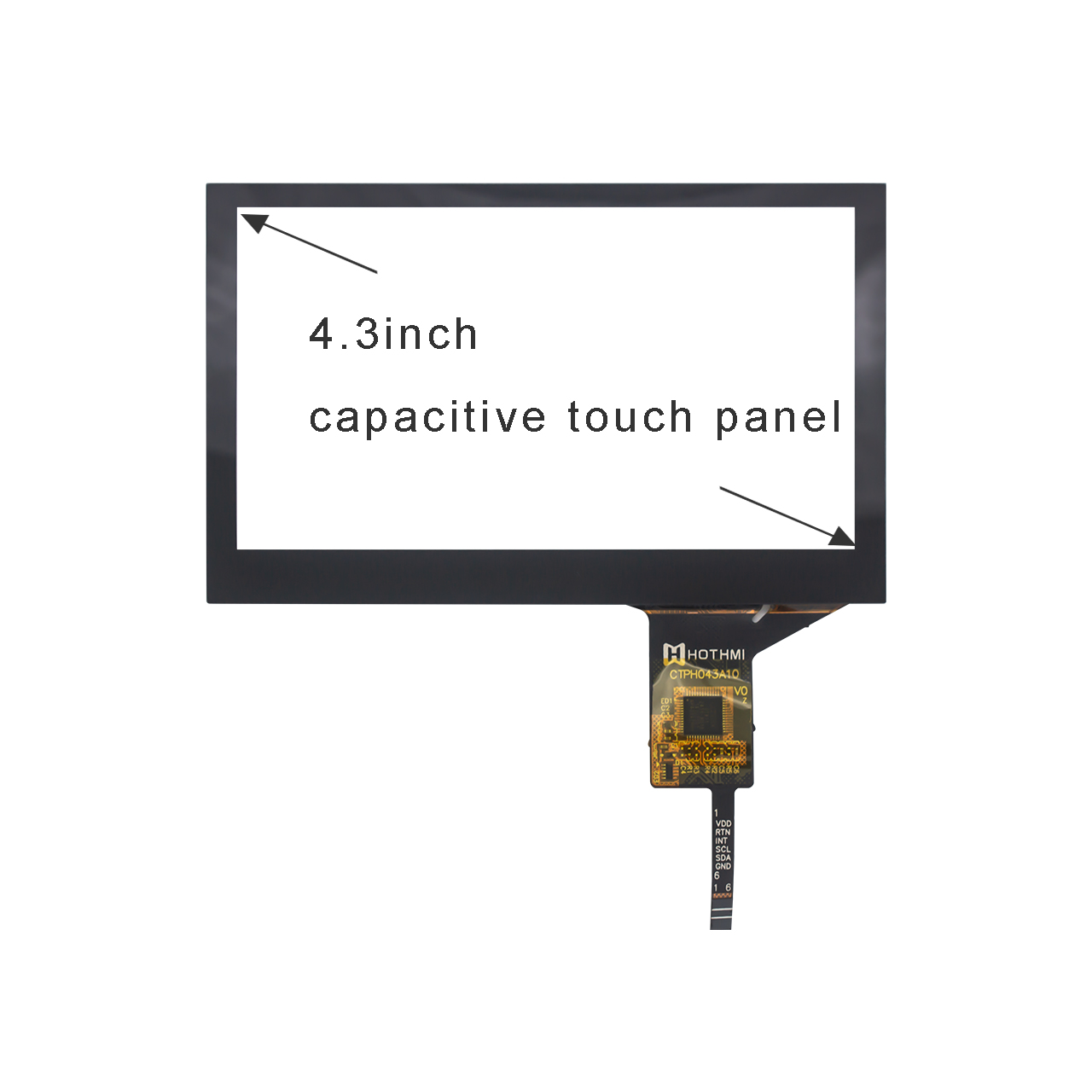
If touch input is required, define the touch technology, cover dimensions, thickness, controller and connection requirements. Verify overall panel dimensions, FPC position, connector and mounting structure before finalizing the PCB and enclosure.
5. Verify Environmental Requirements
For industrial and outdoor equipment, check the exact operating-temperature range and consider the thermal conditions of the complete device. Do not assume all LCD panels share the same brightness, temperature or durability specifications.
Frequently Asked Questions about LCD Panels
What is the difference between an LCD panel and an LCD module?
An LCD panel generally refers to the display panel itself. An LCD module may include additional components such as a driver IC, backlight, FPC or supporting PCB. The exact configuration depends on the product.
What is the difference between TFT LCD and IPS LCD?
TFT refers to thin-film-transistor display technology, while IPS is a type of TFT LCD technology designed to provide wide viewing angles and consistent color presentation. Compare the specifications of individual models before choosing.
Should I choose a touch panel or a standard LCD panel?
Choose a touch-enabled configuration if users need to interact directly with the screen. Confirm the touch technology, controller, cover structure and host compatibility. A standard display may be sufficient when only visual output is required.
Can HOTDISPLAY customize an LCD panel?
Customization options are available for selected products. Provide your dimensions, interface, touch requirements, drawings and estimated quantity so feasibility can be assessed.
What information is needed for a quotation?
Provide the application, target size, resolution, interface, brightness, operating-temperature range, touch requirements, mechanical constraints and estimated quantity. For replacement projects, include the existing model number or datasheet.
Request an LCD Panel Recommendation
Looking for an LCD panel for a new product or an existing design?
Contact HOTDISPLAY with your application and technical requirements. We can review the relevant product categories and discuss suitable display options for your project.